Craft guide
Pose the same character in a new action
Changing a character's pose is where consistency is most likely to break, because a new pose asks the tool to show parts of the character the reference never did. Here is how to re-pose your character and keep them recognizably the same.
A pose change is fundamentally different from a scene change. Moving your character from a kitchen to a garden keeps the same view of them; asking them to leap, crouch, or reach behind their back demands a new view. When the reference only shows a front-facing standing pose, the tool has to invent the hidden side — and invention is where a character drifts off-model.
Keep the pose within the evidence
Start from the clearest authorized character reference and make one bounded pose change. The workbench offers an optional second engine input and a third local comparison view, but a controlled multi-reference improvement test has not been run. For a dramatic action, inspect more strictly and simplify or re-run any frame that invents identity or costume details.
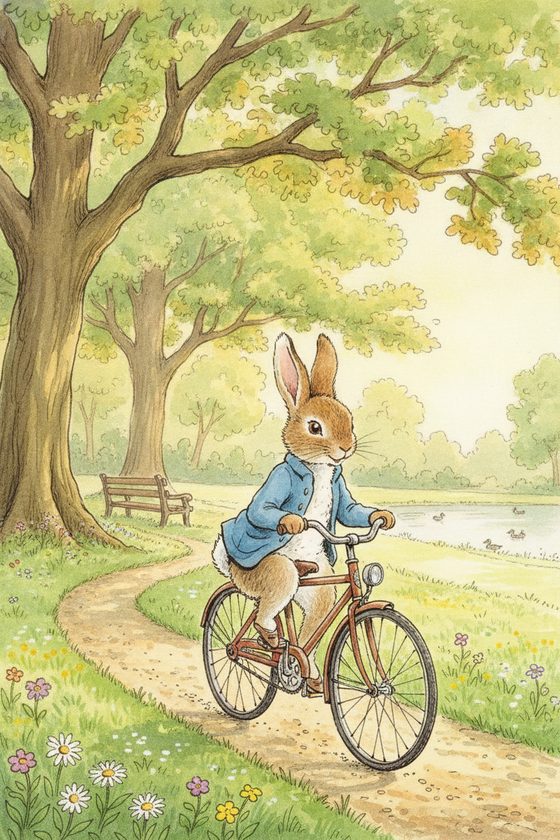
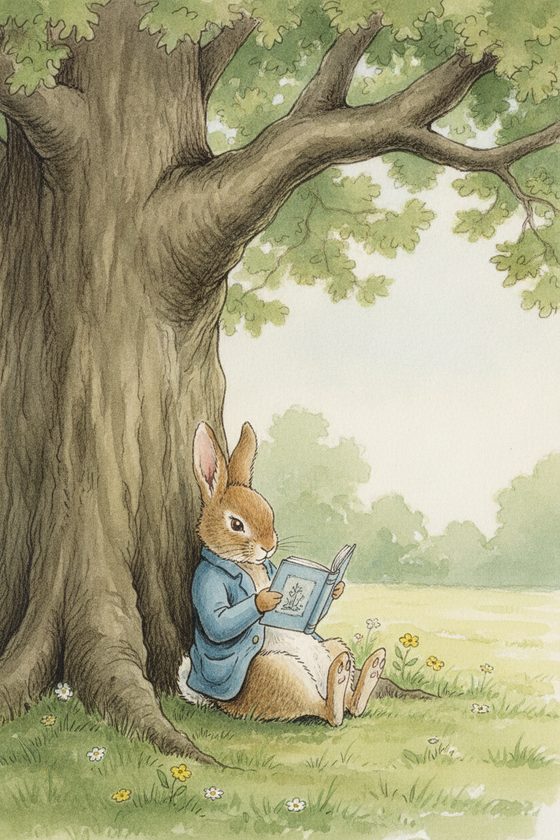
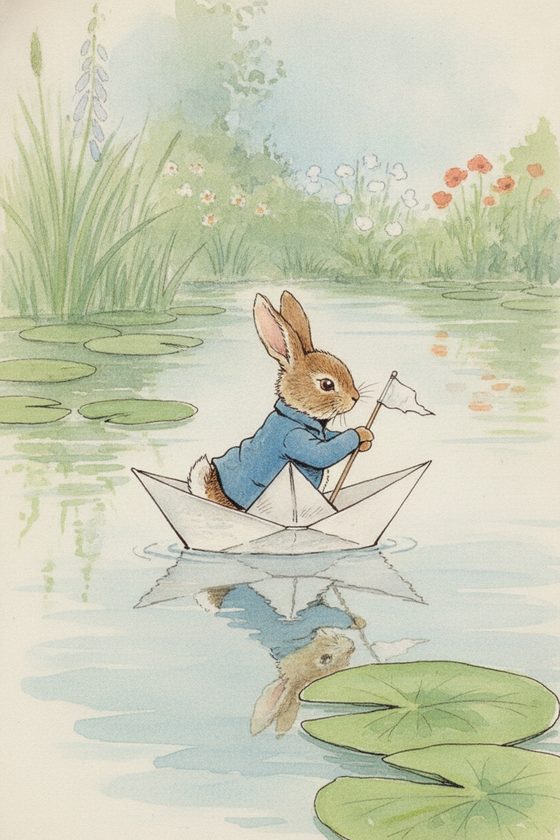
Match the difficulty of the pose to your references
Do
- Keep gentle re-poses (sitting, holding, turning slightly) — one good reference handles these.
- Use the optional second slot only for another clear view of the same authorized character.
- Name the pose and the constants together: "reaching up, keep the blue coat and the freckles."
- Re-run an action frame that drifts — a second attempt often lands.
Avoid
- Ask a single front-facing reference for a full back view and expect the face to survive.
- Change the pose and the outfit and the style all at once.
- Accept the first drifted result — re-anchor and try again.
- Assume tiny detail survives a big, motion-blurred action pose.
When a pose keeps failing
If a specific pose refuses to stay on-model, step back to the original reference and choose a less extreme action. You may test a genuinely different view in the optional second slot, but do not assume that alone fixes the frame; reject identity drift and re-run a bounded request. The limitations page explains why hidden angles need stricter review.
Questions, answered plainly
Why does my character's face change in a new pose?
A new pose can expose a face or body view the source never showed, so the engine invents it. Reject that frame, return to the original reference, and simplify or re-run the action.
What poses are safest with one reference?
The person golden set held side profiles, full-body distance, walking motion, and object interaction from one reference. Illustrated designs still vary, so keep the face readable and review costume and medium against the source.
How many references do I need for action poses?
One clear primary is enough to start, and the engine accepts one optional supporting view. A third slot is local-only. We have not measured whether multiple references improve action poses, so the honest rule is to inspect and reject drift.
Is re-posing a separate paid feature?
No. It is a scene choice inside the same workbench. Start with one free watermarked preview; paid packs include 4, 12, or 40 selected scenes, each with up to three successful attempts.
Re-pose without losing them
Bring your character and describe the new action. Keep the face, costume, and style.
One free watermarked preview here — no signup. Choose a pack only after you inspect the scene.